Support

Technology support.

Without the runaround.
ADK Assist gives buildings, businesses, and homes one clear place to get help with devices, connectivity, smart technology, cybersecurity, and everyday technical issues.
Less downtime.
Built-in protection.
How Can We Help?

Get support from the right place.

Whether you need help now, want to access the app, or have questions before getting started, choose the path that fits what you need.
Contact Support
Need help with a device, account, network, or technical issue? Contact the ADK support team and tell us what is going on.
Contact Support
Download the App
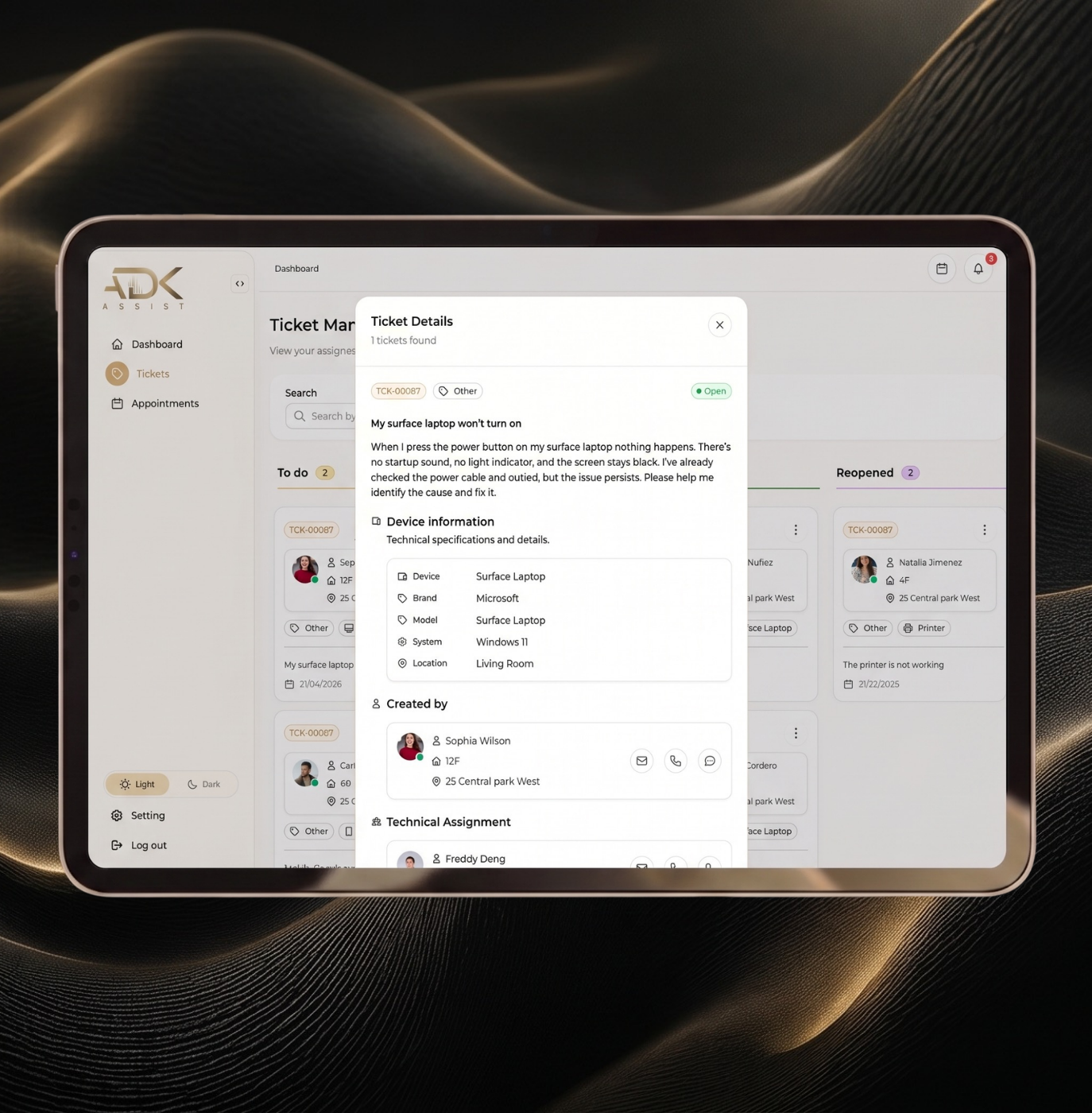
Use the ADK Assist app to submit requests, track progress, message your technician, and keep support organized in one place.
Download the App
View FAQs
Get answers to common questions about coverage, support requests, app access, on-site visits, cybersecurity, and plans.
View FAQs
How ADK Assist works

One request.

One team.

Clear next steps.

Submit your request
Open the ADK Assist app or contact support directly. Tell us what is happening, where the issue is occurring, and which device or system is affected.
We review the issue
A technician reviews the request, checks the available details, and begins troubleshooting with the context needed to move quickly.
We Resolve It
Many common issues can be handled remotely, including email problems, software issues, password resets, device questions, and connectivity troubleshooting.
We coordinate on-site support when needed
When hands-on help is required, ADK coordinates the appropriate next step based on your plan, location, and type of support.
Fast remote help when issues come up
On-site support in New York City
Complete, ongoing coverage
WHAT WE SUPPORT

Your home technology, supported and secured.

From Wi-Fi and devices to smart-home systems and account access, ADK supports the technology you rely on every day.
Devices
Support for computers, phones, tablets, printers, and the technology you use every day
Wi-Fi & Network
Help with home internet, connectivity, coverage, and network-related issues
Smart Home
Setup and support for TVs, streaming devices, cameras, lighting, and connected home systems
Software & Accounts
Help with email, passwords, logins, software setup, and account-related issues
Support Model

Fast remote help. Hands-on support when needed.

ADK Assist starts with remote support whenever possible, then coordinates on-site help when an issue requires a technician in person.
Remote Support
Remote support is designed for fast troubleshooting, everyday technical issues, and problems that can be resolved without waiting for an in-person visit.
Submit requests through the ADK Assist app
Get help with devices, accounts, software, and connectivity
Track updates in one place
Resolve many issues without an on-site appointment
On-Site Support
When hands-on work is needed, ADK provides on-site support whether you're a building, business, or home
Available based on your plan
Helpful for setup, equipment, and network work
Supports homes, buildings, and businesses
Delivered by technicians who understand your environment
Who We Support

Support built around your environment.

A home, building, and business do not need the same support model. ADK Assist is structured around how each customer actually uses technology.
Properties
For buildings, ADK Assist gives residents a direct support path while reducing technology requests that would otherwise go to supers, front desk staff, or management.
Explore Property Support
Per-unit pricing, fits operating budgets
Dedicated technician + 24/7 remote support
Cybersecurity and board reporting included
Businesses
For businesses, ADK Assist provides managed technical support, cybersecurity, and device coverage without the cost or complexity of hiring a full-time IT team.
Explore Business Support
Starts at $249/month for small teams
Remote and on-site support included
Cybersecurity monitoring built in
Homes
For individuals and families, ADK Assist helps with home internet, devices, smart technology, account access, cybersecurity, and everyday technical issues.
Explore Home Pricing
Plans from $149/month
Remote support on all plans; on-site on Premium
NYC on-site coverage
The App

Support starts in the ADK Assist app.

The ADK Assist app gives customers a simple way to request help, message the support team, track progress, and keep support history organized.
Download the App
Submit support requests in a few taps
Track issue status and updates
Message your technician directly
Keep past requests and resolutions organized
Help ADK understand your setup over time
What to Expect

Clear communication from request to resolution.
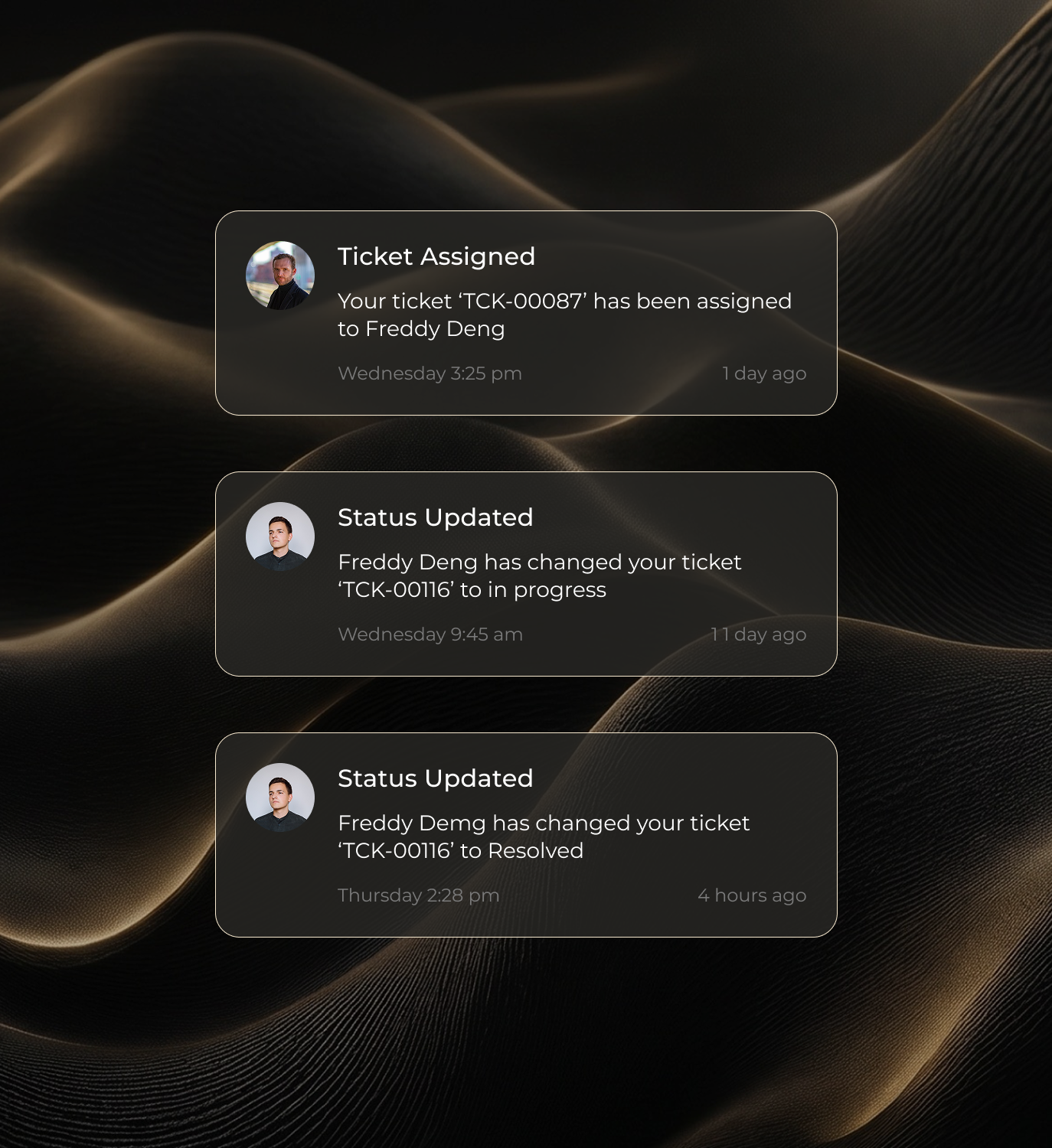
Technology issues are frustrating enough. ADK Assist keeps the support process clear, organized, and accountable from the first request through final resolution.
Schedule a Consultation
Keep requests, messages, updates, and resolution notes in one support process
Get clear status updates without chasing follow-up
Avoid repeating the same issue across calls, texts, and emails
Know what was done, what changed, and what happens next
Get support shaped around your specific environment and plan.
FAQ

Common Questions

A few answers before you get started.
Do I need the app to get support?

No, however, the ADK Assist app is the best way to submit requests, track updates, and communicate with the support team. If you cannot access the app, you can contact support directly.

What kinds of issues can ADK help with?

ADK can help with computers, smartphones, tablets, Wi-Fi, printers, smart devices, software, email, account access, password support, cybersecurity, and related technology issues in simple and advanced, complex environments.

What kinds of issues does ADK Assist cover?

Support can include Wi-Fi and connectivity, devices, accounts, smart-home issues, cybersecurity monitoring, and ongoing technical support via the app.

Can ADK come on-site?

Yes. On-site support is available depending on your plan and customer type. Individual, building, and business plans each have different on-site support models.

Is cybersecurity included?

Yes. ADK Assist includes monitoring, protection, and reporting as part of the ongoing service model.

Does your team have formal training and certifications?

Yes. Our team has formal training and certifications in IT support and cybersecurity, along with hands-on experience supporting and securing devices in residential and business environments. We also work with platforms such as Microsoft 365 and Apple Business Manager, as well as industry-standard security tools.
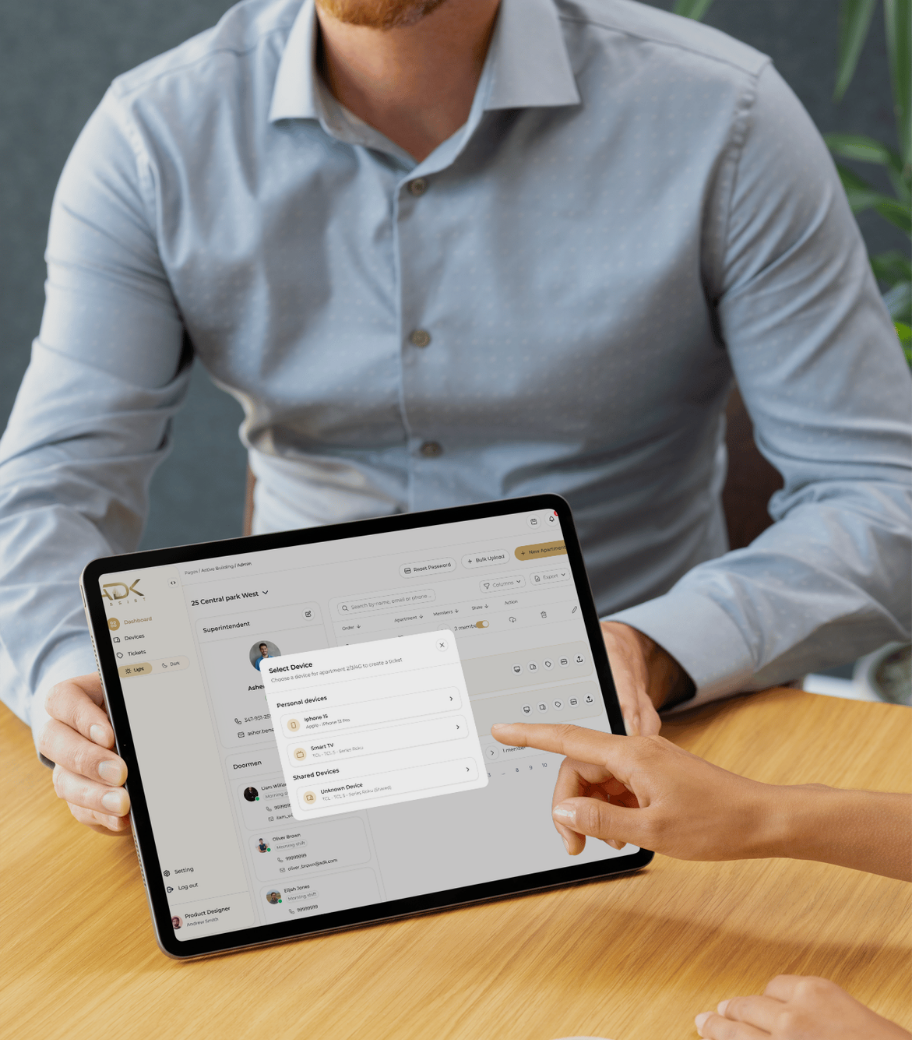
View Full FAQ
Ready When You Need Us

Get support for the technology you rely on.

Whether you need help now or want to understand how ADK Assist works, our team is here to keep your devices, systems, and security moving.